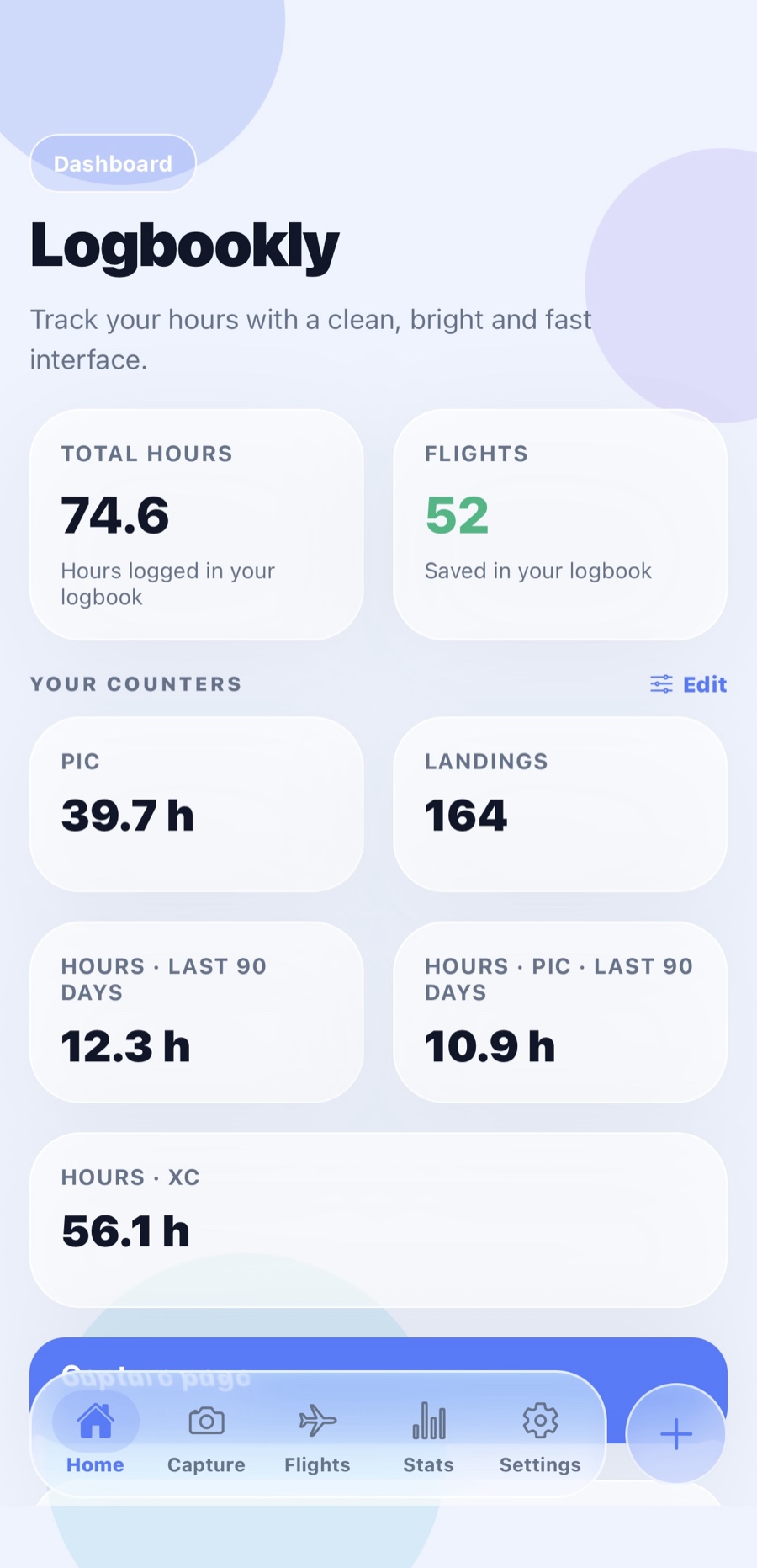
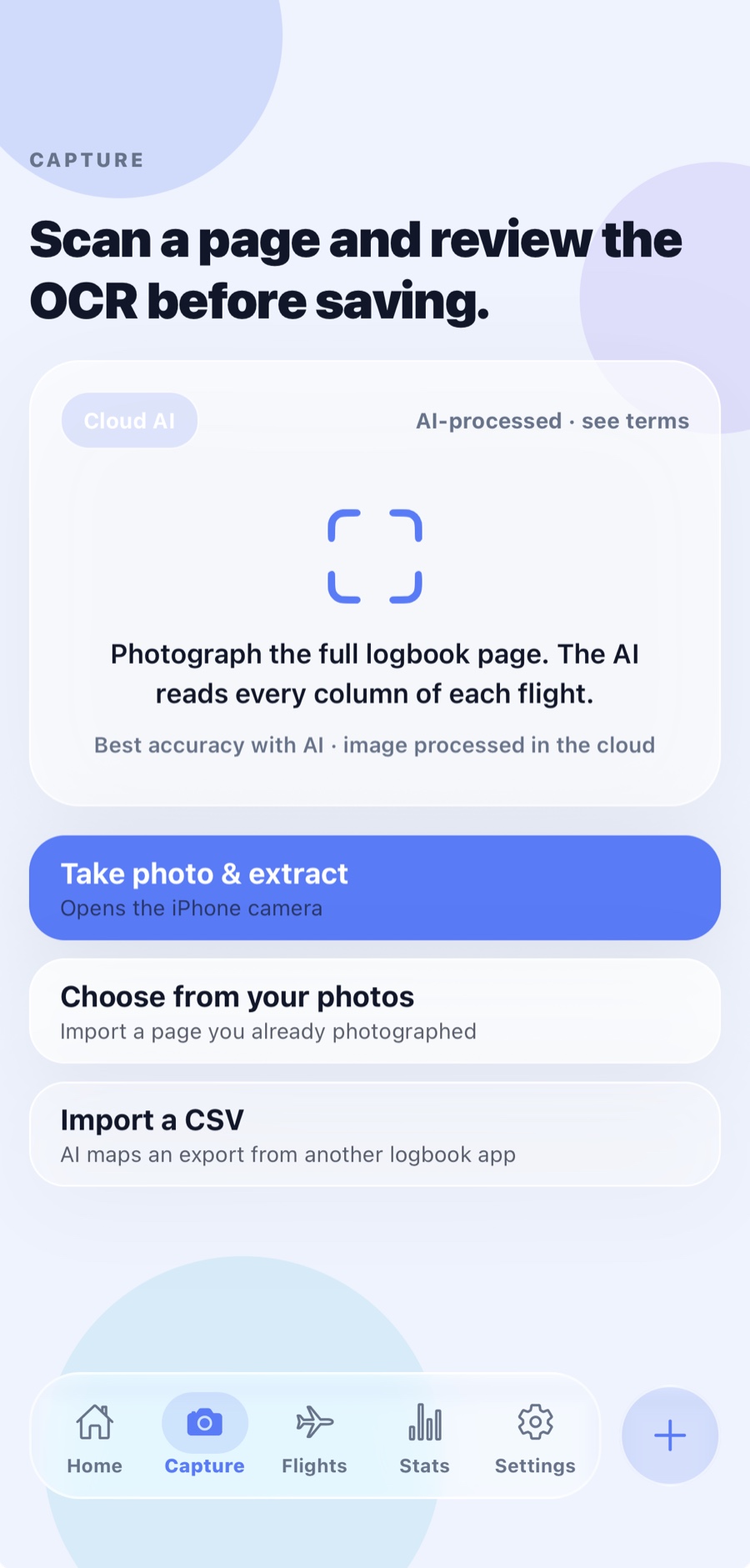
Photograph a page and AI reads every column. Then Logbookly does the part you hate: EASA totals, night time from civil twilight, currency and revalidation, and a PDF ready to present.
Everything your logbook should have done years ago.
Scan a page, AI reads every column
Photograph the full logbook page — both halves. Date, route, aircraft, registration, PIC, dual, night, IFR, landings, FSTD and remarks, extracted flight by flight. Your first three pages are free, so you can see how it reads your handwriting before paying anything.
Review before you save
Every field is editable. Anything the app worked out for you is labelled as calculated, never passed off as something it read from the page.
Night time, worked out for you
From civil twilight at your actual aerodromes on the actual date, with the sunset and end of twilight shown so you can check it. What you wrote on paper always wins.
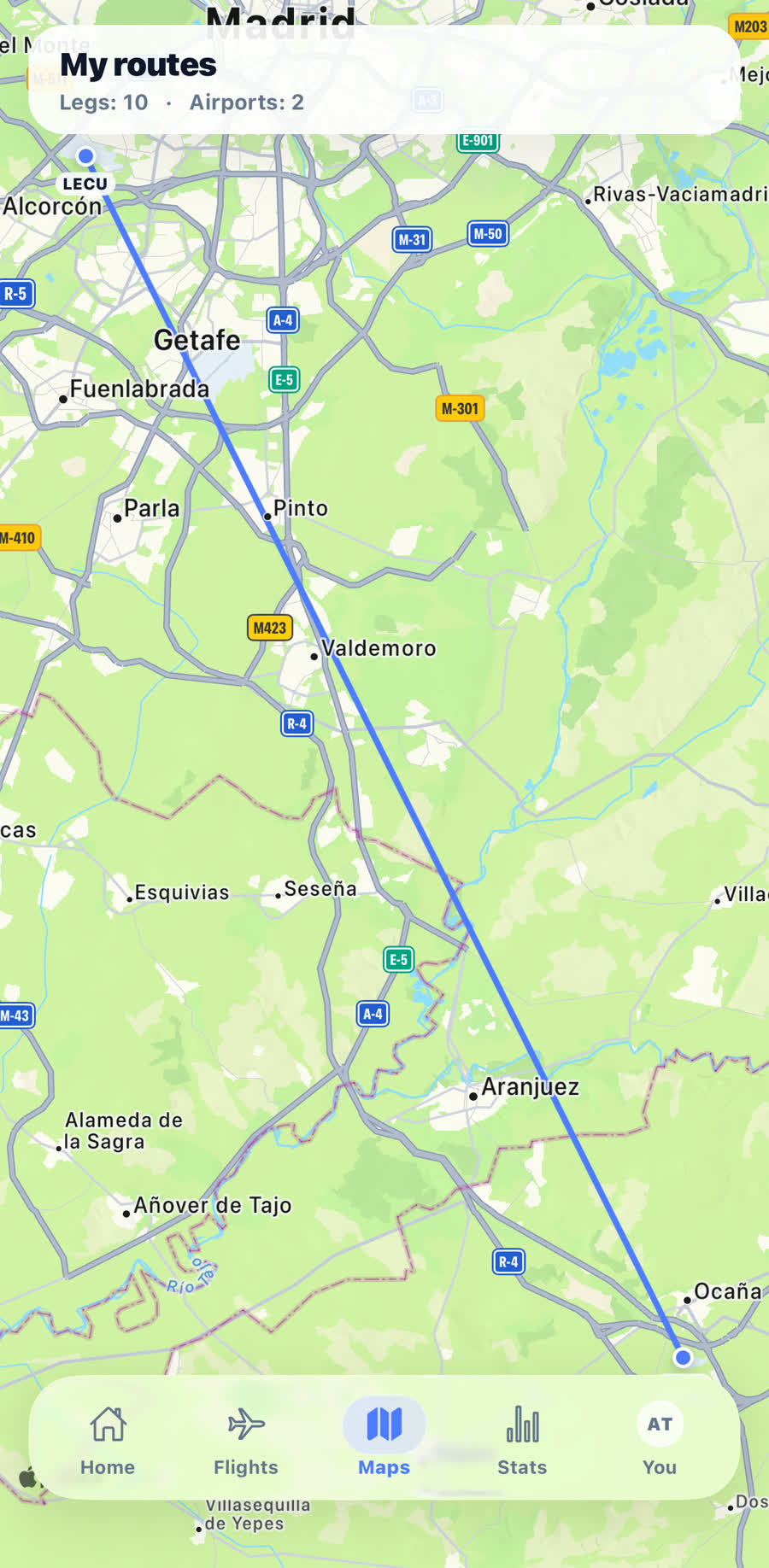
Your routes on a map
Every leg you've flown, drawn from a built-in database of 53,000+ aerodromes. Thicker lines where you fly most.
It checks your logbook
Overlaps, duplicates, times that don't add up, night that doesn't match the twilight, a missing SE/ME class. Flagged, with the fix one tap away.
SEP revalidation, counted
FCL.740.A: 12 hours in class, 6 as PIC, 12 take-offs and landings and the refresher flight — totalled against your rating's expiry date.
Licence & medical expiries
Medical, licence, ratings. A badge tells you what's about to lapse before it does.
A backup you keep
Save your whole logbook to a file in Files or iCloud Drive and restore it any time. Restoring never overwrites a newer version.
Bring your old logbook
Exports from ForeFlight, LogTen, MCC PilotLog or a spreadsheet are read column by column, instantly. Anything else, the AI maps.
Aircraft & pilot directories
Make, model, variant and registration, filled in as you fly. Correct a type once and every affected flight updates with it.
A PDF ready to present
Page totals, breakdown and your own signature, laid out the way an examiner expects to see it.
A look inside.
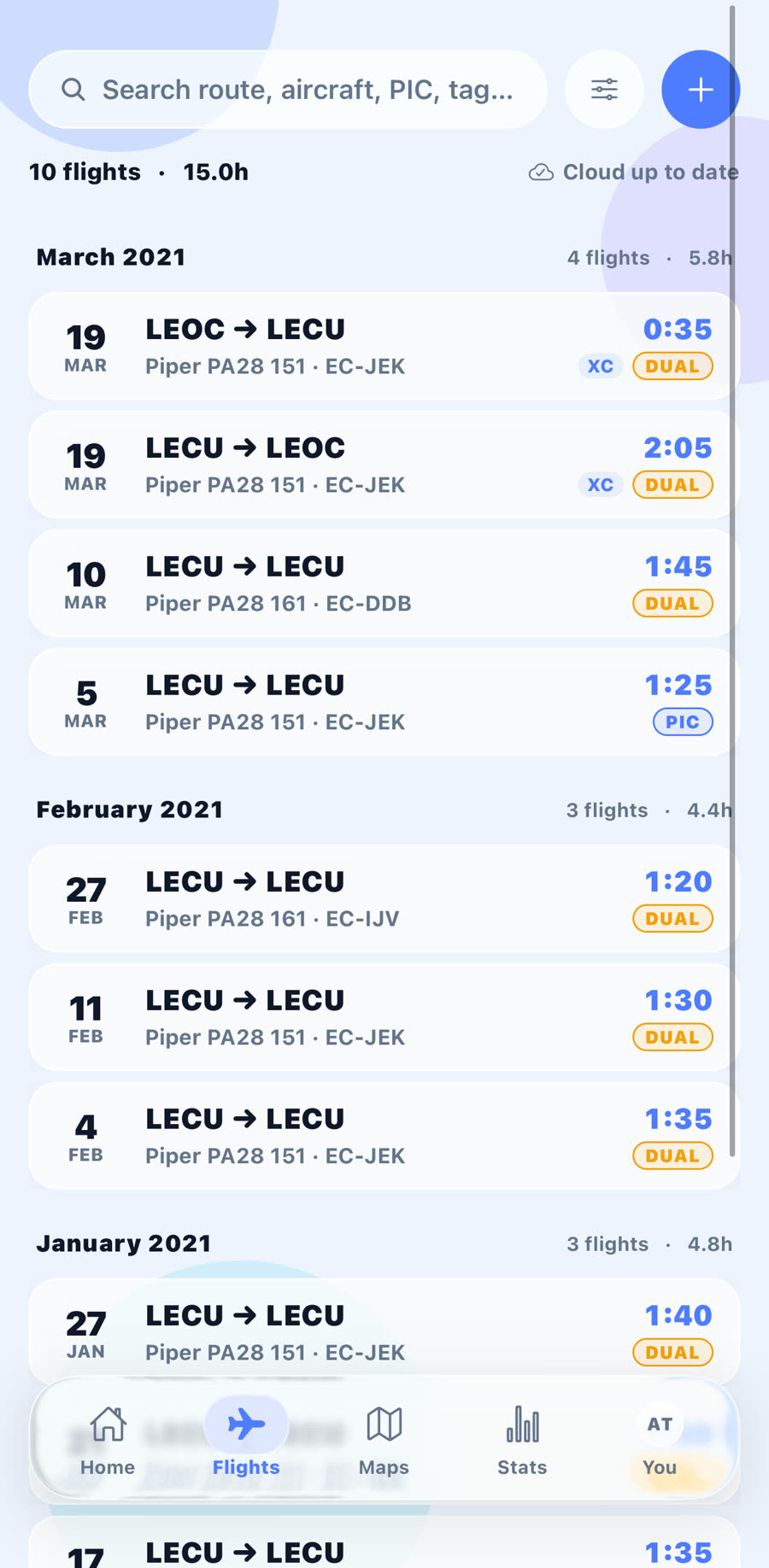
Every flight, one search away
Filter by route, aircraft, PIC, date or tag.
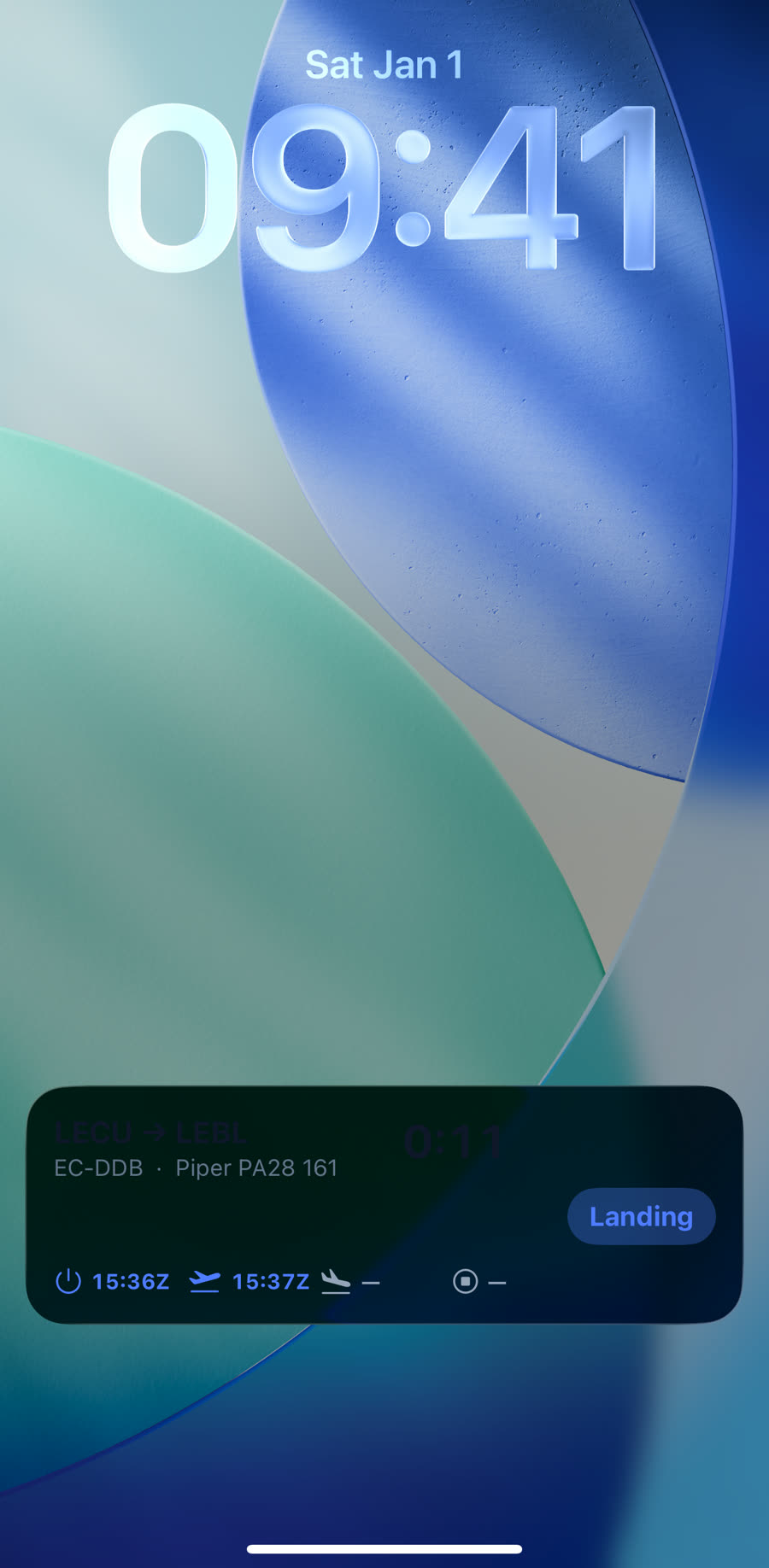
One tap from the Lock Screen
Engine start, take-off, landing and shutdown: one tap each.
Every leg you have flown
Drawn from a built-in database of 53,000+ aerodromes.
It knows what EASA asks for.
Logbookly follows AMC1 FCL.050 — the columns, the functions and the way the hours are counted. Not a spreadsheet with aviation words on it.
Times in UTC with your local time shown underneath, ICAO aerodrome codes, flight rules (V/I/Y/Z), single- and multi-engine class, multi-pilot, FSTD sessions, and function time split into PIC, co-pilot, dual and FI.
Flying solo counts as PIC
And an instructor logs PIC and FI at once. The app applies the rule so you don't have to remember it.
FCL.060 recency, per class or type
Three take-offs and landings in the last 90 days before you carry passengers — counted separately for SEP, MEP and each type.
Remarks the rules ask for
Cross-country tagged automatically; skill tests, proficiency checks, SPIC/PICUS and IFR instruction noted in the PDF remarks.
Three steps from paper to counted.
01
Snap the page
Photograph a full logbook page, or pick one from your library. Or just type a flight in — that's always free.
02
AI extracts, you review
Each flight comes back structured, with class, night time and cross-country already worked out. Check it, fix anything, approve.
03
Saved, synced & counted
Backed up to your account and on every device you sign into. Totals, currency and counters update instantly.
We don’t store your photos.
Your logbook pages are sent to Google’s Gemini AI to be read. We don’t keep them, but Google may use them to improve its products. What we store is the flight data you approve.
Photos processed, not kept by usWe use the image to extract the flights and don’t keep it.
Only you can see your flightsEnforced in the database itself, not just in the app.
Leave whenever you likeCSV export and backup files are free, and deleting your account really deletes it.
Keeping your logbook is free. Forever.
Your hours are a legal record. We're never going to hold them hostage, cap how many flights you can write, or lock the exit. Premium is for the work the app does for you.
Logbookly is in open beta on iPhone — join through TestFlight and you're in, no invite needed. There's no Android version yet.
Does it follow EASA format?
Yes. The columns, functions and totals follow AMC1 FCL.050. Whether a digital record is accepted in place of paper is up to your authority — so keep your paper logbook until you've confirmed it, and use the PDF, CSV and backup file as your copies.
How many free AI scans do I get?
Three pages — not per month, but in total. Enough to see how the AI handles your handwriting before you decide. Typing flights in by hand is unlimited and always free.
How accurate is the scanning?
Good enough to save you hours, not good enough to trust blindly — handwriting is handwriting. That's why every field lands in a review screen first, and nothing is saved until you approve it.
Do you keep my photos?
We don’t. Pages are sent to Google’s Gemini AI to read them, and Google may use them to improve its products. We only keep the flight entries you approve. Details in our privacy policy.
Can I move data from another app?
Yes. Exports from ForeFlight, LogTen, MCC PilotLog or a spreadsheet are read straight away, column by column, for free — and so is your .ics roster. Anything else, the AI maps into Logbookly whatever the columns are called; that part is Premium, because one file can carry a whole logbook.
What if I stop paying?
You keep every flight, keep entering new ones, keep your sync and backup, and can still export to PDF or CSV or save a full backup file. You lose the AI scanning, AI import of unrecognised CSVs, the automatic calculations, filters, the custom counters and in-flight logging.
Lose the logbook, lose the hours.
Everything you've flown, backed up and counted — for free. Join the TestFlight beta and have your hours in order before your next flight.
 Logbookly